For a manufacturing plant, the virtual machines that run production, planning and plant-floor applications sit on a small number of physical hosts. When those hosts become unmanageable, the impact reaches the shop floor quickly.
A manufacturing company in Gujarat, India faced exactly this situation. Its IT team could still log in to VMware vCenter, but two VMware ESXi hosts running seven virtual machines refused every login attempt. With support from the OEM unable to close the issue for nearly 3 days, the plant could not operate.
The company then contacted Zaco Computers Pvt. Ltd. Through its VMware third-party support service, Zaco's engineers diagnosed and resolved the issue over a remote session.
The Challenge: Valid Credentials Rejected on Two ESXi Hosts
The client's virtual environment included two ESXi hosts managed through vCenter, together hosting seven virtual machines that supported plant operations.
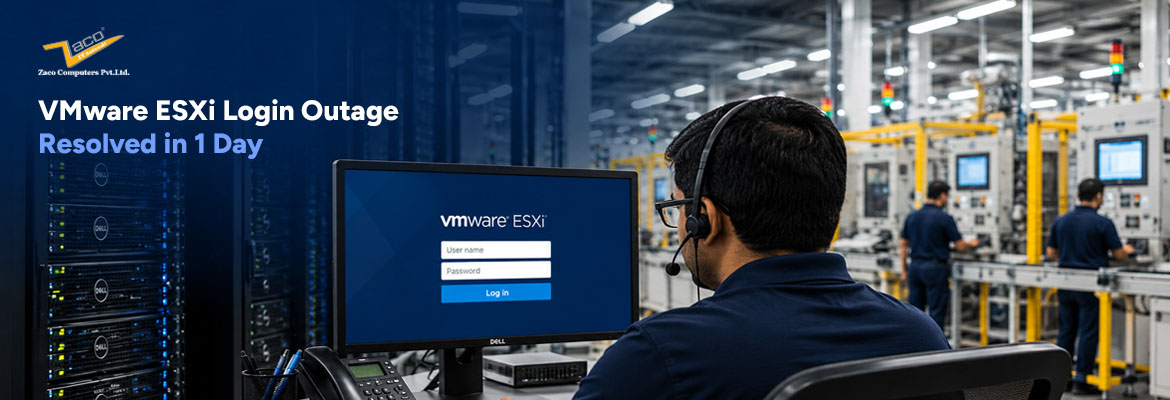
When the IT team tried to log in to the hosts directly, each attempt returned the error "Cannot complete login due to an incorrect user name or password." According to the client, they were using the same username and password that the hosts had accepted earlier. Access to vCenter itself was unaffected.
The client raised a ticket with the OEM. The pattern that followed delayed recovery:
- ● The assigned support engineer worked on the issue for about 10 minutes, then left the call for another scheduled task, saying a new engineer would be assigned in 3 to 4 hours.
- ● The next engineer, assigned 3 to 4 hours later, was also unable to resolve the issue and handed it over in the same way.
- ● This cycle repeated several times over almost three days, with no resolution.
Throughout this period, the manufacturing plant remained non-operational, and every hour without a fix added to lost production.
Zaco's Approach: Focused Remote Troubleshooting
Phase 1: Immediate Remote Engagement
Once the client contacted Zaco, an engineer connected to the environment over a remote session the same day, without waiting for a site visit.
Phase 2: Diagnosis with Full Ownership
The same engineer stayed with the issue from start to finish. Rather than handing it over to another engineer, Zaco's engineer worked through the problem on both hosts until the cause of the login failure was identified.
Phase 3: Resolution and Validation
Zaco applied the fix and confirmed that the client could log in to both ESXi hosts again, bringing the seven virtual machines back under the IT team's control.
Results: Plant Operations Restored
Outcome at a Glance
- ● Resolved in 1 day, after nearly 3 days of unresolved escalations with the OEM.
- ● Host access restored on both ESXi hosts, with all seven virtual machines back under the client's control.
- ● Manufacturing operations resumed once the hosts were accessible again.
- ● Handled entirely over a remote session, with no on-site visit required.
Why Responsive VMware Support Matters for Manufacturers
The outage lasted nearly three days, not because the issue was exceptionally complex, but because support kept changing hands every few hours.
When the client approached Zaco, one dedicated engineer took ownership of the issue. With strong VMware expertise and end-to-end continuity, Zaco identified the root cause and restored the environment the same day.
For manufacturers, where IT downtime can quickly disrupt production and operations, responsive support is not just about having engineers available. It is about having the right expertise, continuity, and ownership until the issue is fully resolved.
If your VMware environment needs dependable support from first call to resolution, connect with us at info@zacocomputer.com for VMware third-party support tailored to your infrastructure.