

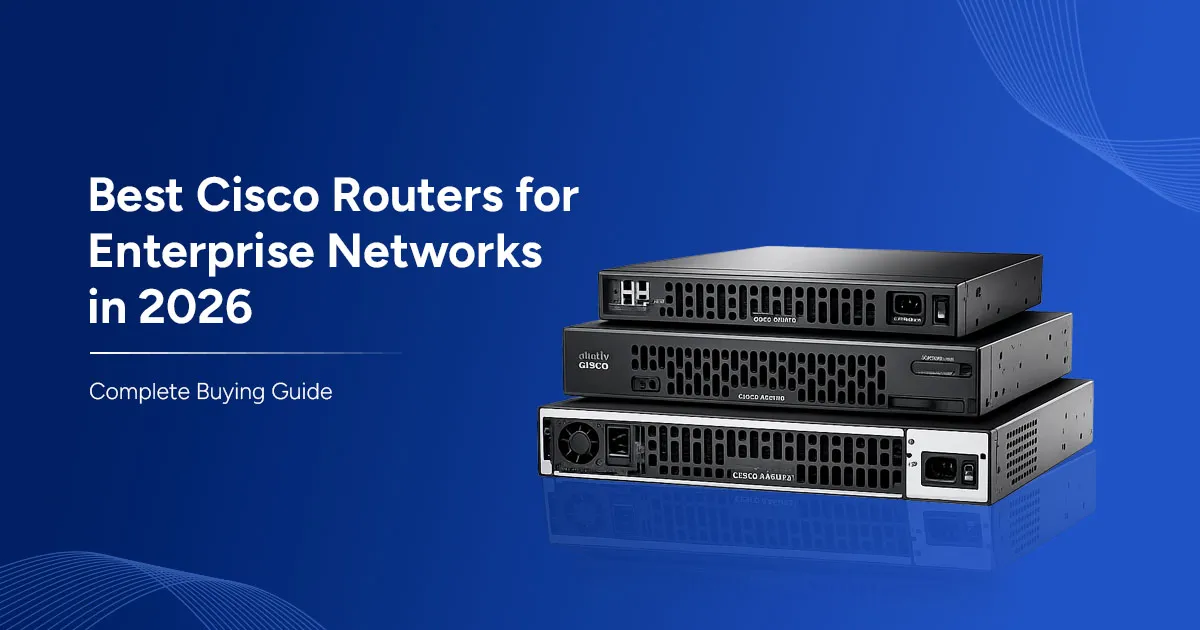
Enterprise networks in 2026 are faster, more distributed, and more security-sensitive than ever, and the router sitting at the edge of that network still decides how well everything else performs. Whether you are connecting a single branch office or aggregating traffic from dozens of sites into a data center, the right Cisco router determines throughput, uptime, and how easily your IT team can manage the network day to day. This guide covers why Cisco routers remain the enterprise standard this year, how to match a model to your actual network role, and which models stand out in 2026 - from compact branch routers to WAN aggregation platforms. We also break down what drives Cisco router price, when refurbished hardware makes sense, and what to expect from a supplier you can trust with mission-critical infrastructure.
Why Cisco Routers Still Lead Enterprise Networking in 2026
Standalone, low-cost routers can move packets, but enterprise networks need more than raw throughput. Cisco's advantage is the ecosystem built around every Cisco router: native SD-WAN, integrated security, and end-to-end cloud visibility that ties branch, campus, and cloud traffic into one manageable fabric. Because every current platform runs the same IOS XE software base, network teams get consistent configuration, licensing, and lifecycle behaviour across models - instead of relearning a new operating system every time hardware changes.
Security is built in rather than bolted on. Zone-based firewalling, IPsec VPN, Snort-based intrusion prevention, and Cisco Umbrella integration all run on the router itself, reducing the number of separate appliances a branch needs. On a pure sticker-price basis, a Cisco router can look more expensive than alternatives but once you factor in software lifecycle support, security capability, and lower operational overhead, the total cost of ownership consistently favours Cisco for enterprise deployments.
How to Choose the Right Cisco Router - Buyer's Checklist
The most common buying mistake is starting with a model number instead of a network role. Before comparing specs, define what the router actually needs to do - then use site size, throughput, licensing, and condition (new vs refurbished) to narrow the shortlist to two or three realistic candidates.
Match the Router to Site Size & Role
A router sized for a five-person branch is the wrong choice for a campus edge, and vice versa. Map every deployment to one of four roles - small branch, medium office, campus edge, or WAN aggregation hub, before you look at a single spec sheet. Each role has a natural home in Cisco's current line-up, and starting from role rather than model number is what keeps a multi-site rollout consistent and easy to manage. This single step also makes it far easier to standardize configuration templates and support processes across a growing site count.
Throughput, SD-WAN & Licensing
Always size a router for encrypted throughput, not the clear-text number on the datasheet - IPsec and SD-WAN tunnels can cut real-world performance well below advertised maximums, especially once intrusion prevention and deep packet inspection are switched on. Budget for the HSEC license and any SD-WAN or security subscriptions alongside the hardware itself; on enterprise Cisco routers, the software entitlements are as much a part of the purchase decision as the chassis, and underestimating them is one of the most common causes of budget overruns during a network refresh.
New vs Refurbished & Warranty
Certified refurbished Cisco routers make strong financial sense for stable, well-understood roles, branch and aggregation platforms with mature IOS XE support rarely need to be new to perform reliably for years. Whatever condition you buy, insist on a supplier warranty, a clear RMA process, and confirmation that the software licensing tied to the unit is clean, transferable, and not encumbered by a previous owner's entitlements.
Best Cisco Router Models for Enterprise Networks in 2026
Here are the Cisco router models worth shortlisting this year, organized by the role each one is built to fill.
Cisco ISR 1100 Series - Best for Small Branches
Compact and secure, the ISR 1100 Series is built for small offices, remote sites, and retail locations that need reliable routing, VPN, and basic SD-WAN without the footprint or cost of a larger platform. It is the practical entry point for organizations standardizing on Cisco across dozens of small sites.
Cisco Catalyst 8200 Series - Best Value SD-WAN Branch
As the current-generation successor in the Catalyst 8000 Edge line, the 8200 Series balances SD-WAN performance and price for medium branch offices, with a uCPE option for teams that want to consolidate router and virtual network functions onto one box.
Cisco Catalyst 8300 Series - Best All-Round Branch Router
The 8300 Series adds modular interface flexibility and meaningful throughput headroom, making it the safest default for larger branches or campus-edge deployments that may need to grow into higher bandwidth or additional WAN links over time.
Cisco Catalyst 8500 Series - Best for WAN Aggregation
Built for head-end aggregation, the 8500 Series is the right choice for data-center edges and regional hubs that need to terminate large numbers of branch tunnels reliably at scale.
Cisco ISR 4000 Series - Best for Existing ISR Estates
For organizations with an established ISR footprint, the 4000 Series' NIM and SM-X module compatibility - including voice interfaces, makes it the natural fit for extending or replacing units within an existing fleet without a full architecture change.
Cisco Catalyst 8000V - Best Virtual / Cloud Router
A fully software-based router, the Catalyst 8000V extends Cisco's routing and SD-WAN capability into public and private cloud environments, making it the standard choice for multi-cloud edge connectivity.
Cisco Router Price in 2026: What Drives the Cost
Cisco router price is shaped by three factors: the model tier and its throughput ceiling, the HSEC and SD-WAN licensing attached to it, and any ongoing support subscription. New hardware from higher tiers, like the Catalyst 8500 Series, sits well above entry-level ISR pricing, while certified refurbished units can cut costs by up to 40% or more without sacrificing IOS XE feature support.
Because configurations vary so widely by throughput, module selection, and licensing term, the most reliable way to budget accurately is to request a quote for your specific site requirements rather than relying on list pricing alone. Bundling multiple sites into a single order, and mixing new and refurbished units where appropriate, is often the most effective way to control per-site cost across a larger rollout.
Where to Buy Enterprise Cisco Routers: Choosing a Supplier
The router model matters, but the Cisco router supplier you buy from matters just as much. A reliable supplier provides genuine, traceable units, a real warranty and RMA process, and clean, transferable license entitlements, not grey-market hardware with an uncertain history that could leave you without support the moment something fails.
Look for a partner who also offers lifecycle and EOL support across the regions you operate in, with fast shipping to match.
For enterprises running infrastructure across India, the UK, and the UAE, that kind of coverage is what keeps a router refresh from becoming a logistics problem, and it means a single point of contact can support the entire fleet rather than juggling several regional vendors.
Final Thoughts: Picking the Right Cisco Router for Your Network
There is no single best Cisco router for every enterprise only the right router for a given role. For most organizations in 2026, that means a Catalyst 8300 for general branch deployments, a Catalyst 8500 for WAN aggregation, and an ISR 1100 for small or remote sites, with the Catalyst 8000V filling in for cloud and virtual edges. Getting the model right is only half the job; pairing it with a supplier who stands behind warranty, licensing, and lifecycle support is what protects the investment long after installation.
If you are evaluating Cisco routers for a network refresh or expansion, Zaco Computers can help you identify suitable new or refurbished options based on your performance, deployment, and budget requirements. Request a quote to explore the right Cisco router options for your network.
Frequently Asked Questions (FAQs)
Q.1 Which Cisco router is best for a small business in 2026?
The Cisco ISR 1100 Series is the best fit for small businesses and remote offices. It delivers secure routing, VPN, and basic SD-WAN support in a compact, low-cost package that's easy to deploy without dedicated on-site IT staff.
Q.2 What is the best Cisco router for SD-WAN?
The Catalyst 8200 and 8300 Series both offer strong native SD-WAN support, with the 8300 adding more throughput and interface flexibility for larger branches, and the 8500 Series handling SD-WAN aggregation at the head end.
Q.3 How much does a Cisco router cost?
Cisco router price depends on the model tier, throughput requirements, licensing (including HSEC and SD-WAN subscriptions), and whether the unit is new or certified refurbished. Request a quote for accurate, configuration-specific pricing.
Q.4 Are refurbished Cisco routers reliable for enterprise use?
Yes, when sourced from a reputable supplier. Certified refurbished Cisco routers undergo testing and come with warranty and RMA support, making them a reliable, lower-cost option for most branch and aggregation roles, particularly on well-proven ISR platforms.
Q.5 What is the difference between Cisco ISR and Catalyst routers?
ISR routers are Cisco's established integrated services routers, widely deployed in existing estates and well suited to voice and legacy module support, while the Catalyst 8000 family is the current generation, built around SD-WAN and cloud-first networking.
Q.6 Do I need a separate license for SD-WAN on Cisco routers?
Yes. SD-WAN capability typically requires its own subscription license alongside the router hardware and HSEC entitlement, so it should be budgeted as part of the total purchase rather than treated as an afterthought.
Q.6 How do I choose a trusted Cisco router supplier?
Look for genuine, traceable hardware, a clear warranty and RMA process, clean and transferable license entitlements, and lifecycle or EOL support across every region where your organization operates.